
Tired of manually kicking off builds every time someone opens a pull request?
PR triggers let your CI/CD system watch PR events like opened, synchronize, reopened, and closed, and run the right jobs automatically.
This post walks through practical setup across GitHub Actions, GitLab CI, Azure Pipelines, Jenkins, and Bitbucket, shows branch, path, and label filters, and shares speed and security best practices.
By the end you’ll know how to configure, optimize, and trust PR-triggered pipelines so checks are fast, cheap, and only run when they should.
Core Functionality of PR Triggers in CI/CD Pipelines

PR triggers automate continuous integration and deployment workflows by detecting specific events on pull requests. When a developer opens, updates, or merges a pull request, the CI/CD platform receives an event notification and executes predefined jobs. Running tests, building artifacts, scanning for vulnerabilities, or deploying preview environments. This automation eliminates manual intervention and ensures code changes get validated before they reach the main branch.
Four standard events drive most PR trigger workflows:
- opened fires when a new pull request is created, initiating the first round of automated checks
- synchronize triggers each time new commits are pushed to the PR branch, re-validating the latest code
- reopened activates when a previously closed PR is reopened, resuming automated workflows
- closed fires when the PR is closed or merged. Teams detect merged PRs using a condition like
github.event.pull_request.merged == trueto run merge-specific tasks
GitHub Actions, GitLab CI, Azure Pipelines, Jenkins, and Bitbucket Pipelines all support PR triggers. Though syntax and webhook configuration vary. Teams rely on these events because they catch integration issues early, reduce manual testing overhead, and provide real-time feedback to developers.
Merge-only behavior is detected by inspecting the event payload. If the merged flag is true, the pipeline can publish artifacts, deploy to staging, or update documentation. If false, it simply closes the checks without post-merge actions.
Configuring PR Trigger Syntax Across Major Platforms
Each CI/CD platform uses distinct configuration syntax to define PR triggers, branches, paths, and event types. Understanding these differences lets teams standardize workflows across repositories while respecting platform conventions.
GitHub Actions
GitHub Actions uses the on: key with a pull_request: block. Developers specify event types, target branches, and path filters in YAML format:
on:
  pull_request:
    types: [opened, synchronize, reopened, closed]
    branches: [main, develop]
    paths:
      - 'src/**'
      - 'docs/**'
For jobs that should run only when a PR is merged, add a conditional in the job definition: if: github.event.pull_request.merged == true.
Security note: pull_request_target runs workflows in the context of the base branch and grants write access to secrets, making it suitable for trusted automation but risky for external contributors. Prefer pull_request for public repositories unless manual review gates are in place.
GitLab CI
GitLab CI uses rules: with the CI_MERGE_REQUEST_ID variable to detect merge requests:
rules:
  - if: $CI_MERGE_REQUEST_ID
    when: always
  - when: never
This pattern ensures the job runs only for merge requests and never on regular branch pushes. The legacy syntax only: [merge_requests] also works but is less flexible.
Azure Pipelines
Azure Pipelines defines a pr: stanza with branch and path inclusion/exclusion:
trigger: none
pr:
  branches:
    include:
      - main
      - release/*
  paths:
    include:
      - src/**
    exclude:
      - docs/**
Setting trigger: none prevents the pipeline from running on direct pushes, isolating it to PR events only.
Jenkins
Jenkins uses the Multibranch Pipeline plugin with a declarative when { changeRequest() } condition in the Jenkinsfile:
pipeline {
  agent any
  stages {
    stage('Test') {
      when { changeRequest() }
      steps {
        sh 'make test'
      }
    }
  }
}
Webhooks must be configured in the repository settings, pointing to the Jenkins instance URL and including credentials. Alternatively, pollSCM can poll every few minutes as a fallback.
Bitbucket Pipelines
Bitbucket uses a pull-requests: block with glob patterns for branch matching:
pipelines:
  pull-requests:
    '**':
      - step:
          script:
            - npm test
The '**' glob matches all PR branches. Replace with specific patterns like 'feature/*' to limit scope.
| Platform | Primary Syntax Keyword | Example Filter |
|---|---|---|
| GitHub Actions | pull_request: | branches: [main] |
| Azure Pipelines | pr: | paths: include: [src/**] |
| GitLab CI | rules: – if: $CI_MERGE_REQUEST_ID | when: always |
Despite differing syntax, all platforms share common configuration patterns. Event or type specification (opened, synchronize, closed). Branch inclusion and exclusion using exact names or glob patterns. Path filters to limit jobs to specific directories. Conditional logic to gate workflows on metadata or flags. Webhook or polling configuration to connect repository events to the CI system.
Branch, Path, and Metadata Filters for PR Triggers

Filters determine which PRs trigger automated workflows, reducing unnecessary job runs and saving compute resources. Branch filters target specific destinations. main for production readiness, release/* for versioned branches.
Path filters scope runs to changed files, so backend tests only execute when src/** changes, not when docs/** is updated. Label detection checks whether a PR carries tags like skip-ci or run-full-suite, using conditions such as contains(github.event.pull_request.labels.*.name, 'skip-ci') to modify behavior.
Six common filter types control PR trigger execution:
- Branch filters (exact match:
main, glob:release/*, or regex where supported) - Path filters (
src/**,*.md) to include or exclude directories and file types - Label checks to conditionally run or skip workflows based on PR tags
- Author or bot filtering (e.g.,
github.actor != 'dependabot[bot]') to ignore automated contributor PRs - CODEOWNERS gating, where jobs require approval from designated file owners before running
- Commit message parsing to skip CI when messages contain
[skip ci]or similar flags
Label-Based Filtering
Label-based filtering lets teams control workflow execution by adding or removing labels on a PR. For example, a needs-security-scan label can trigger SCA tools, while removing the label skips the scan.
Platforms like GitHub Actions expose label arrays in the event payload, enabling simple membership checks. GitLab and Bitbucket require API calls or custom scripts to fetch and evaluate labels.
This approach is especially useful for draft PRs. Applying a draft label or checking the draft boolean in the event payload can prevent resource-intensive integration tests until the PR is ready for review.
Step-by-Step Setup Tutorial for Enabling PR Triggers
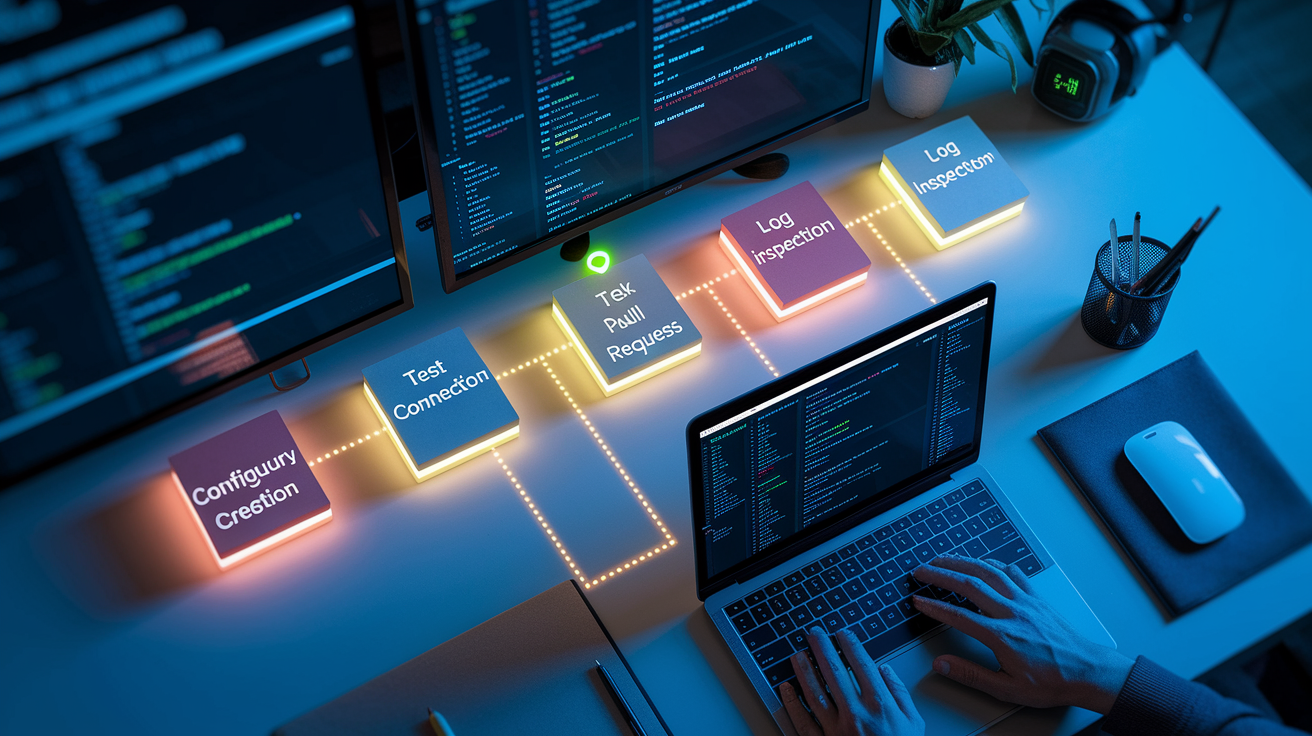
Enabling PR triggers across any CI/CD platform follows a consistent five-step process that takes approximately 10 to 15 minutes for a basic configuration.
-
Add a CI configuration file to the default branch. Create
.github/workflows/pr-ci.ymlfor GitHub Actions,azure-pipelines.ymlfor Azure Pipelines,.gitlab-ci.ymlfor GitLab CI, aJenkinsfilefor Jenkins, orbitbucket-pipelines.ymlfor Bitbucket. Commit and push the file to the repository’s default branch. -
Enable platform CI integration or configure webhooks. GitHub Actions and GitLab CI activate automatically. Azure Pipelines and Jenkins require manual webhook setup in repository settings, pointing to the CI service URL with proper credentials and event selection (pull request events).
-
Create a test pull request or push a commit to an existing PR. Open a new PR from a feature branch or add a commit to an open PR, which triggers the configured workflow.
-
Inspect CI logs and event payloads. Navigate to the Actions/Pipelines tab, open the triggered job, and review the event data to confirm branch and path filters matched. Look for fields like
github.event.pull_request.base.reforCI_MERGE_REQUEST_TARGET_BRANCH_NAME. -
Refine filters and configure required status checks. Adjust branch globs, add path exclusions, and enable 1 to 5 required checks in branch protection rules to enforce quality gates before merging.
After completing these steps, open a second test PR or force-push a commit to verify the pipeline runs as expected. Check the event payload JSON in logs to troubleshoot mismatches. Most platforms display webhook delivery status and HTTP response codes, making it straightforward to confirm the connection is live and the trigger is properly configured.
Best Practices to Optimize PR Trigger Workflows

Optimizing PR trigger workflows balances speed, cost, and security. Fast, inexpensive checks like linting and unit tests should run first, providing feedback within 2 to 3 minutes. Long-running integration tests, browser automation, and deployment steps execute later or in parallel jobs.
Caching dependencies (npm packages, Python wheels, Maven artifacts) cuts job duration by 30 to 80%, depending on the stack and cache hit rate.
Seven core best practices improve PR trigger efficiency:
- Use path filters to limit jobs to relevant directories (e.g., run backend tests only when
backend/**changes) - Separate fast checks from slow ones, running lint and unit tests in parallel while deferring integration and end-to-end tests
- Enable dependency caching to reduce install time and network overhead
- Avoid exposing organization secrets to untrusted forks by using
pull_requestinstead ofpull_request_target, or add manual approval gates - Detect draft PRs via the
draftboolean or label and skip expensive jobs until the PR is marked ready for review - Set concurrency limits (max 3 parallel matrix jobs) to control cloud runner costs and prevent queue saturation
- Configure 1 to 5 required status checks on protected branches to enforce quality gates without over-blocking developers
| Job Type | Typical Time Savings with Optimization |
|---|---|
| Lint + Unit Tests | 40–60% faster with caching |
| Integration Tests | 30–50% faster with parallelization |
Teams that apply these practices report 50% shorter feedback loops and 70% lower CI costs. Path filters alone eliminate 20 to 40% of unnecessary pipeline runs. Combining multiple optimizations creates a lean, responsive CI/CD system that scales with repository growth.
Troubleshooting Common Issues with PR Triggers
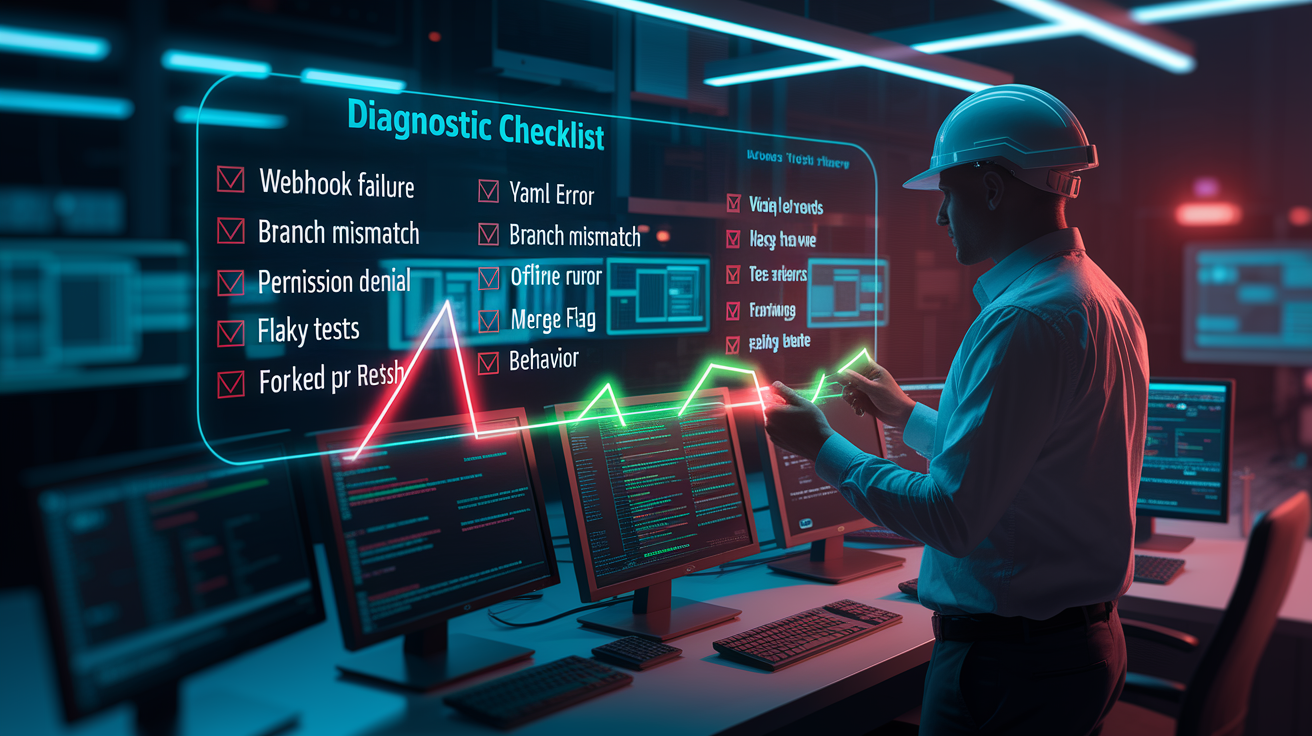
When PR triggers fail to fire or jobs behave unexpectedly, an eight-point diagnostic checklist speeds resolution:
-
Event not firing. Verify webhook delivery in repository settings. Check last delivery timestamp, HTTP status (expect 200), and retry failed deliveries.
-
YAML syntax error. Validate configuration locally using platform-specific linters (GitHub Actions schema, GitLab CI validator). Parse errors appear in job logs under “Workflow file” or “Pipeline syntax.”
-
Branch or path filter mismatch. Confirm the PR’s base branch matches the
branches:inclusion list. Verify glob patterns likesrc/**align with changed file paths. -
Permission or secret access denied. External fork PRs lack access to protected secrets. Use read-only tokens or
pull_requestevent type. Avoidpull_request_targetwithout manual review. -
Runner or agent offline or busy. Check runner pool size and queue depth. Scale by adding 1 to 3 runners if queue length exceeds 5 jobs for more than 10 minutes.
-
Merge-only jobs not executing. Ensure the condition checks
github.event.pull_request.merged == trueor equivalent. Inspect event JSON to confirm the merged flag is present and true. -
Intermittent test flakiness. Add automatic retries (2 to 3 attempts) for flaky tests. Mark unstable tests to run separately or skip by default. Log failure rates to identify patterns.
-
Unexpected runs on forked PRs. Restrict workflow execution to internal contributors by adding
if: github.event.pull_request.head.repo.fork == falseor disabling fork workflows in repository settings.
Validating Webhook Logs
Most platforms expose webhook delivery logs under repository settings or integrations. GitHub lists recent deliveries with request/response details, allowing developers to resend payloads and inspect headers. GitLab and Bitbucket provide similar logs.
If a webhook returns 404 or 500, verify the target URL, authentication token, and SSL certificate. For Jenkins, ensure the webhook URL includes /github-webhook/ or the equivalent path for the SCM plugin. Logs should show a successful POST with a 200 response and a job queue entry within seconds.
Set job timeout values between 10 to 60 minutes based on workload complexity. Reserve 1 to 3 dedicated runners for high-priority branches to prevent bottlenecks during peak hours.
Real-World Use Cases for PR Triggers in Automation

PR triggers power diverse automation scenarios that streamline development and deployment. The most common use case is running unit tests and linters on every pull request, targeting completion in under 5 minutes. These checks catch syntax errors, style violations, and breaking changes before human review, reducing wasted review cycles.
Security SCA (software composition analysis) scans trigger when PRs modify dependency files (package.json, requirements.txt, pom.xml), flagging known vulnerabilities in third-party libraries.
Six practical automation patterns demonstrate PR trigger versatility:
-
Unit and lint tests on every PR. Runs 100% of the time. Target duration under 5 minutes. Uses path filters to skip docs-only changes.
-
Security scans on dependency changes. Triggers when
dependencies/**or lock files are modified. Runs SAST, SCA, and container scanning tools. -
Ephemeral preview deployments. Creates one isolated environment per PR, deploying the feature branch to a unique URL for stakeholder review. Tears down automatically after merge or close.
-
Conditional integration tests. Executes only when
backend/**orinfra/**paths change, saving compute time on frontend-only updates. -
Auto-merge workflows. Merges PRs automatically when all checks pass, 2 required approvals are present, and a specific label is applied.
-
Artifact builds on merged PRs only. Publishes Docker images, npm packages, or release binaries exclusively after merge. Skips artifact creation for unmerged PRs to avoid clutter.
Ephemeral environments typically cost $5 to $15 per PR per day for small applications, making them cost-effective for short-lived branches. Integration tests run 30 to 50% less frequently when path filters are applied, cutting monthly CI expenses by 20 to 40%. Auto-merge saves 15 to 30 minutes per PR by eliminating manual merge clicks and context switching.
Important Considerations to Keep in Mind with PR Triggers

Five critical points ensure PR triggers remain secure, efficient, and maintainable:
-
Never expose organization secrets to untrusted fork PRs. Use
pull_requestfor external contributors and reservepull_request_targetfor internal automation with manual review gates. -
Configure 1 to 5 required status checks on protected branches to balance quality enforcement with developer velocity. Too many checks slow merges, too few allow bugs through.
-
Use path filters aggressively to prevent unnecessary job runs. Limit integration tests to
src/**, security scans todependencies/**, and documentation builds todocs/**. -
Control concurrency by setting limits on parallel matrix jobs (max 3 per PR) and enabling queue priority for critical branches to avoid runner starvation.
-
Review and prune workflows quarterly. Remove obsolete jobs, consolidate duplicate logic, and retire feature-flag-gated pipelines that no longer apply.
Teams that follow these principles maintain fast, secure, and cost-effective CI/CD systems. Regular audits of workflow configurations, webhook logs, and runner utilization prevent drift and ensure PR triggers continue delivering value as repositories grow and team size increases.
Final Words
Right after a PR opens, your pipeline’s checks spring to life, with opened, synchronize, reopened, and merged events (merged detected with github.event.pull_request.merged == true) driving workflows across GitHub Actions, GitLab, Azure, Jenkins, and Bitbucket.
We walked through platform syntax and security notes, branch/path/label filters, a five-step setup, best practices like fast-first checks, caching and secret-safety, plus troubleshooting and real-world uses like preview environments and merge-only artifact builds.
With pr triggers tuned, your CI/CD runs smarter and faster, ready for smoother ship days.
FAQ
Q: What is a PR trigger?
A: A PR trigger is an event on a pull request that starts automated CI/CD workflows, like opened, synchronize (updates), reopened, or merged, used to run tests, builds, or deployments.
Q: What are some good triggers?
A: Good triggers include opened, synchronize (push-to-PR updates), reopened, and merged; label changes, comment commands, and draft-to-ready transitions also make reliable hooks for targeted CI jobs.
Q: Are pull and release triggers legal?
A: Pull and release triggers are legal and standard CI/CD features; platform rules and company policies govern their use, so verify repository permissions, security settings, and any compliance requirements before enabling them.
Q: Does it take 7 lbs of pressure to pull a trigger?
A: It does not always take 7 pounds to pull a trigger; trigger pull weight varies by firearm and action type—many fall between 4 and 12 lbs, while some precision triggers are much lighter.